Book a 15 Minute Consultations

If we can help in any way, please don't hesitate to set a time to meet or talk, or leave your details and we'll get back to you.

Looking for a job?

Apply here

Manual QA Testing Services

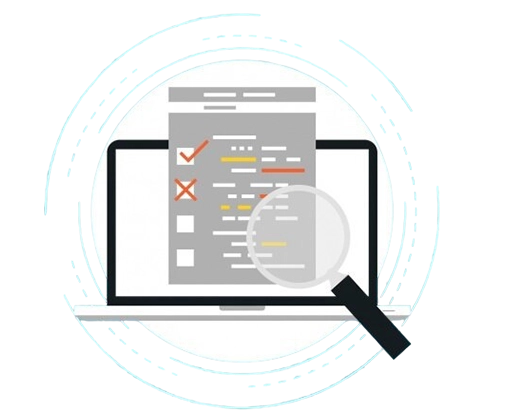
Ensure flawless user experience with thorough, human-driven QA testing. Our expert testers validate functionality, usability, reliability, and edge cases that automation alone cannot catch.

Service Image

Our Manual QA Testing Capabilities

End-to-End Functional Testing

Verify every feature works exactly as required across all user flows, devices, and platforms.

Exploratory Testing

Uncover hidden bugs and unexpected edge cases through investigator-style testing by experienced QA engineers.

Usability & UI/UX Testing

Manually evaluate user journeys, UI responsiveness, and friction points to ensure a smooth user experience.

Cross-Browser & Cross-Device Testing

Validate behaviour on Chrome, Safari, Firefox, Edge + mobile, tablet, and desktop environments.

Regression Testing

Manually re-test critical features after each update to ensure nothing breaks during continuous releases.

Why Businesses Choose Golden Eagle for Manual QA

Fast, Reliable & App-Like Experience

Our testers identify real-world usability flaws, inconsistent behavior, and edge-case bugs algorithms miss.

Industry-Standard QA Processes

Structured test plans, test cases, checklists, and reporting for complete transparency.

Cross-Platform Testing Coverage

Web, mobile, desktop, APIs, integrations, cloud apps — all tested manually on real devices.

Fast Turnaround, High Accuracy

Dedicated QA engineers deliver rapid and highly accurate bug detection with detailed documentation.

Seamless Collaboration With Dev Teams

Daily reports, JIRA documentation, video recordings, and guided steps for easy debugging.

Technologies We Use

TestRail Jira Postman Charles Proxy BrowserStack Chrome DevTools

How We Deliver Manual QA Testing

Discover Requirements

Define app goals, required capabilities, performance targets, and offline behavior.

01
logo

UI/UX & Architecture Design

Plan responsive layouts, caching strategy, service worker behavior, and navigation flows.

02

Develop the PWA Application

Build the web app, implement service workers, offline support, push notifications, and installability.

03
logo
logo

Test for Compatibility & Performance

Test across browsers, devices, networks, offline mode, and PWA Lighthouse scores.

04

Launch & Ongoing Support

Deploy and optimise the PWA with ongoing performance monitoring and UX improvements.

05
logo

Choose the Right Engagement Model for Your Project

Fixed Cost Model

Great for clear PWA requirements or website-to-PWA migration.

Time & Material

Ideal for evolving PWA features and long-term iterations.

Hourly Basis

Perfect for performance tuning, additions, and progressive enhancement.

Dedicated Team

Full-time PWA developers aligned with your digital roadmap.

Frequently Asked Questions

Automation misses UX issues, edge cases, visual inconsistencies, and unpredictable user behaviours. Manual testing catches them.

Yes — test cases, bug reports, screenshots, videos, logs, and coverage reports.

Chrome, Safari, Firefox, Edge + Android, iOS, tablets, and desktops using BrowserStack or real devices

Yes — weekly or monthly dedicated QA resources for continuous testing.

Absolutely — we follow a hybrid QA model for maximum coverage.